Read more
Here is your text with a headline added for each paragraph, keeping sentence case and a clear, B2B‑oriented focus:
Maximise the value of Magnity support
Get more out of Magnity faster by discovering exactly how to get real, human help the moment you’re stuck.
See what you will learn in this video
1️⃣ Quick video guides tour (00:06)
2️⃣ Using in‑app chat for support (00:52)
3️⃣ Creating clear bug tickets (02:21)
4️⃣ Tracking ticket status live (03:24)
5️⃣ Staying updated with News (04:00)
6️⃣ Support hours & urgent issues (04:52)
Meet your guide inside the platform
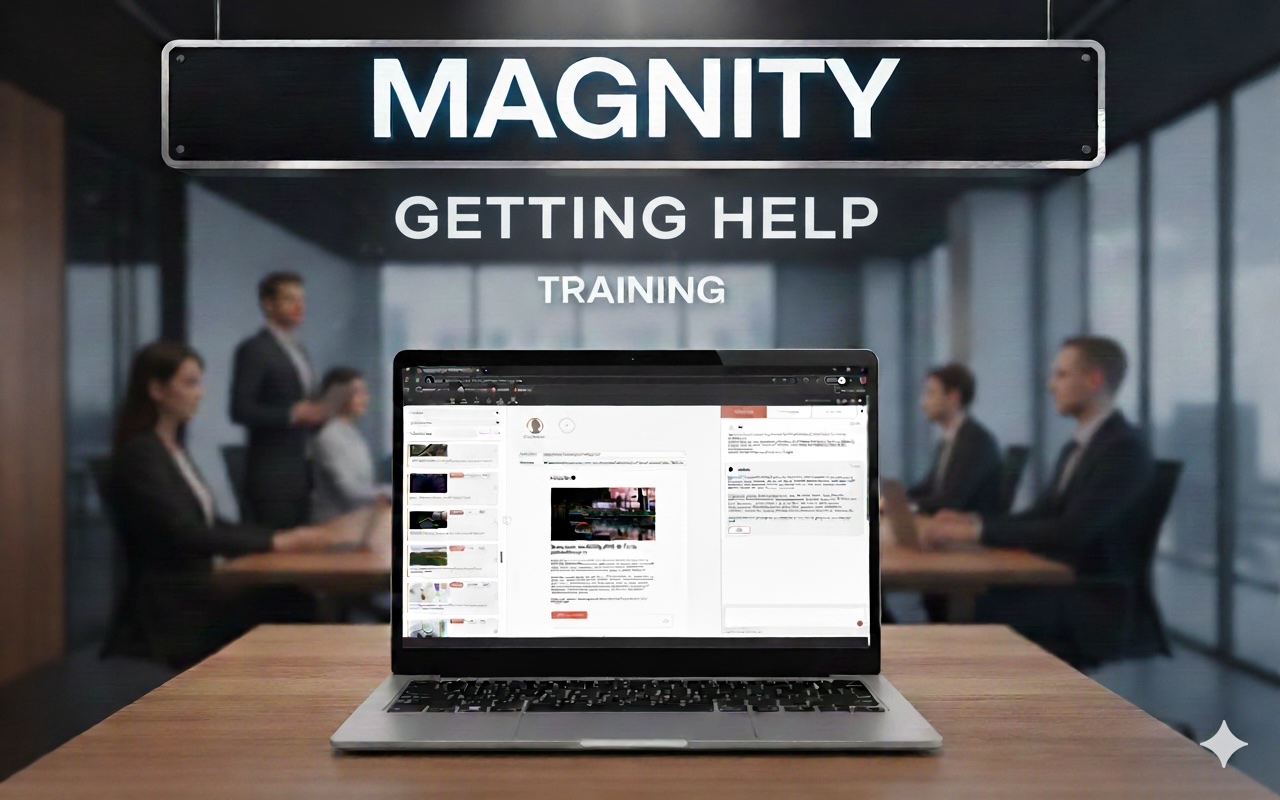
In this short walkthrough, one of the Magnity team members shows you, step by step, how support works directly inside the platform. Instead of guessing, googling, or pausing your workflow when something doesn’t behave as expected, you’ll see how to tap into built‑in help designed specifically for everyday Magnity users.
Find answers faster with in‑app guidance
You’ll learn how to quickly find focused video guides when you want a fast introduction to a feature, and how to use the chat in the lower‑right corner to get personalized help with things like email personalization, simplifying text, or fixing something that just isn’t responding the way you want.
Report issues clearly and track progress
The video also walks you through creating a proper support ticket: how to describe what went wrong, which steps you took, what browser and system you’re on, and how that makes it dramatically easier for the team to diagnose and resolve your issue. You’ll see how tickets stay available in your chat, how updates appear, and how you can follow up if something feels urgent.
Stay updated on changes that matter
Finally, you’ll get a quick tour of the News section, where Magnity shares feature updates, scheduled fixes, and new capabilities, so you always know what’s changing and how it might benefit your work.
Build confidence every time you open Magnity
Watch this video to understand exactly how to use Magnity’s help and support features so you can move past issues quickly, stay informed about new improvements, and become more confident and effective every time you open the platform.