Read more
Turn existing assets into contextual output
See how contextual chat turns your existing assets into smarter, faster content decisions inside Magnity.
Video chapters at a glance
1️⃣ Context chat basics (00:08)
2️⃣ Build an email draft fast (00:35)
3️⃣ Validate content in a flow (01:50)
4️⃣ Add a finance perspective (03:05)
5️⃣ Brainstorm + refine focus (04:30)
How contextual chat works across tools
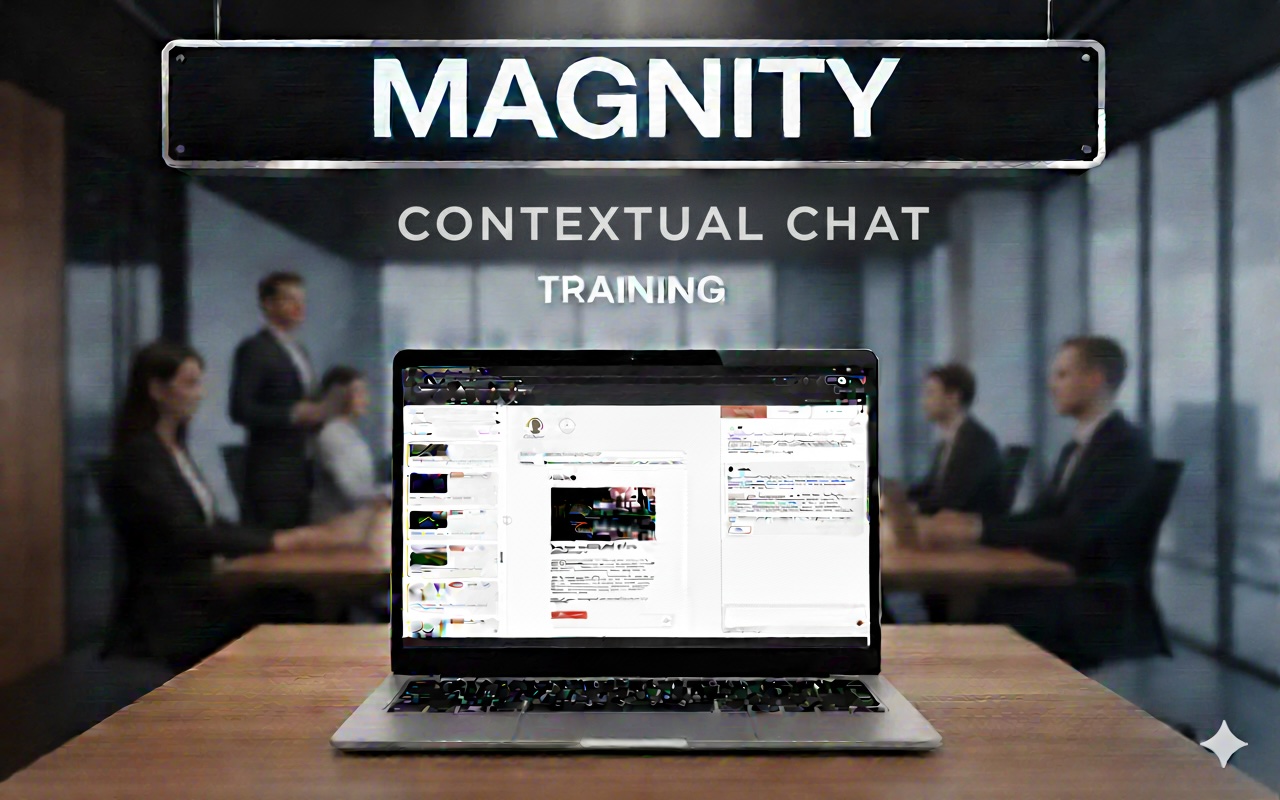
In this short walkthrough, a Magnity team member demonstrates how “context in chat” works across the tools you already use for emails, landing pages, social posts, and the Content Agent. Instead of starting from a blank prompt, you’ll learn how to bring the right source material into the conversation—so the chat responds to what you’re building, not just what you type.
From a draft email to journey fit checks
You’ll see a practical email example created from a library tile, complete with subject line, preheader, body text, and CTA elements. Then the video shows the moment most teams get stuck: when you need a different angle, an industry-specific framing, or a way to check whether a piece of copy actually fits a broader journey. By dragging a flow overview into chat, you can ask if the email belongs in that sequence and get concrete tweaks based on audience engagement stage.
Reuse context tiles for industry alignment
The demo also highlights how reusable context tiles (like an industry description for finance) can instantly shift tone and priorities—without over-personalising or rebuilding from scratch. Finally, you’ll explore how to reapply sources, upload documents, crawl URLs, and steer the chat to focus on a specific slice—such as “measurement that matters”—to create stronger variants for testing and higher engagement.
What you can prompt for in regulated environments
It also showcases the kind of outputs you can prompt for: compliance-ready content workflows, personalisation with guardrails, evidence and oversight, and speed without losing control—especially relevant for regulated industries. If you’ve ever wondered how to keep campaigns consistent while still adapting copy to new audiences, this feature offers a clear, repeatable method built directly into your creation process everywhere today.