Read more
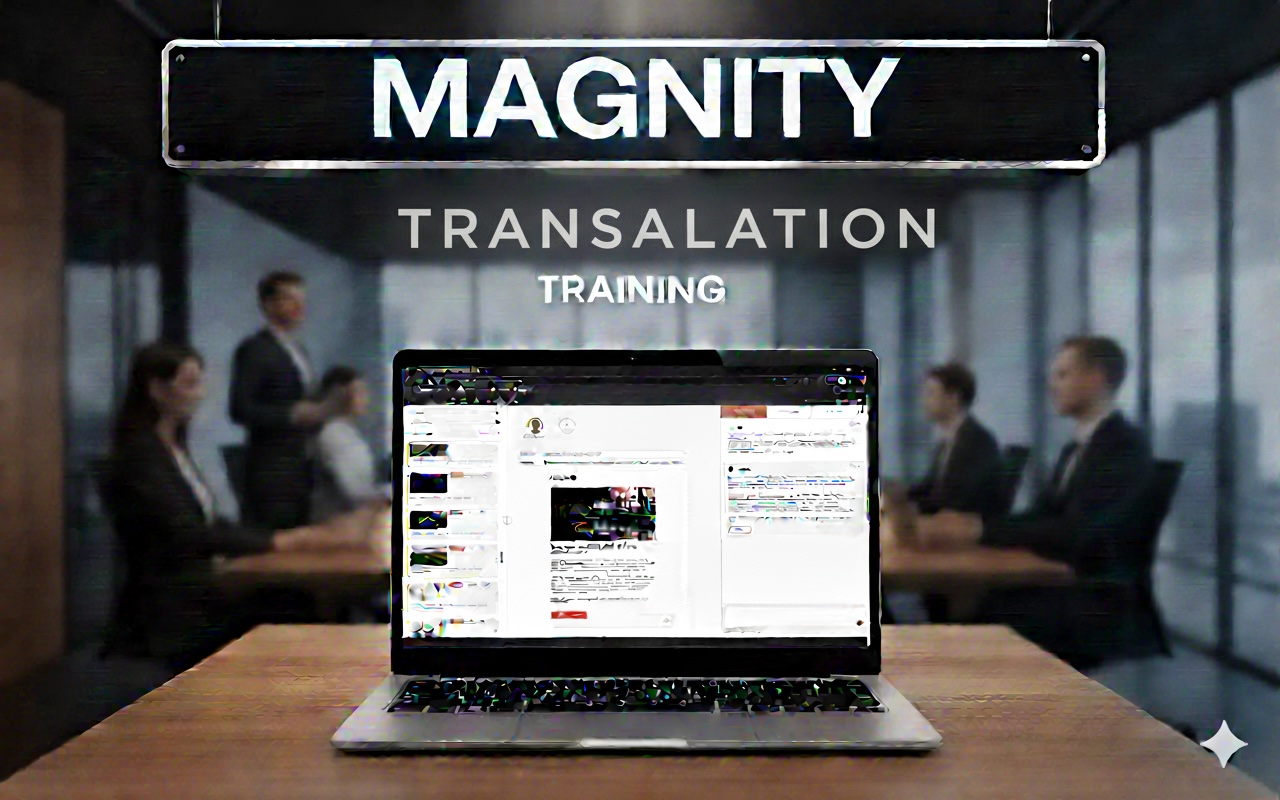
Translate email content for multiple markets without losing context
See how Magny helps you translate an email into multiple languages—fast—while keeping every link and module aligned to the right local page, so your message stays clear in every market.
What you will learn in this tutorial
1️⃣ Build an email fast (00:05)
2️⃣ Add personas & variants (00:20)
3️⃣ Auto-detect local pages (00:35)
4️⃣ Generate DE/KO/ES emails (00:56)
5️⃣ Review variants by persona (01:18)
6️⃣ Chat-edit in any language (01:37)
7️⃣ Save as a shareable project (02:03)
Keep localisation consistent across modules and landing pages
In this quick tutorial, a Magny team member walks you through a practical workflow you can copy immediately: start with a simple email, add a persona to create variants, then translate your content for new markets without losing consistency. The key advantage shown here is that Magny understands your content library and the language of each page, so when you translate, it can match modules to the correct localised pages—helping you avoid the common problem of sending someone to a page in the wrong language.
Refine translations by chatting, even if you do not speak the language
You’ll also see what happens when a module doesn’t have a matching localised page: Magny can return an empty module so you can keep the email accurate and relevant. From there, you can review each version by persona and language, then fine-tune the copy by chatting with Magny. Even if you don’t speak the target language, you can request changes like fewer paragraphs and get an output that is ready for local review.
Save your work as a project for easy sharing
Finally, you’ll learn how to save the finished work as a project so it’s organised and ready to share with the right departments.