Read more
See how Magnity’s intuitive interface turns complex content creation into a fast, focused workflow in one guided tour led by a Magnity product expert who walks you through the platform step by step.
1️⃣ Layout overview (00:05)
2️⃣ Top bar actions (00:30)
3️⃣ Language switcher (01:05)
4️⃣ Templates picker (01:29)
5️⃣ Search and filters (01:48)
6️⃣ Drag-to-write canvas (02:28)
7️⃣ Persona personalisation (02:35)
8️⃣ Element-level chat (03:06)
9️⃣ What’s next (03:36)
Layout, workflow and navigation made simple
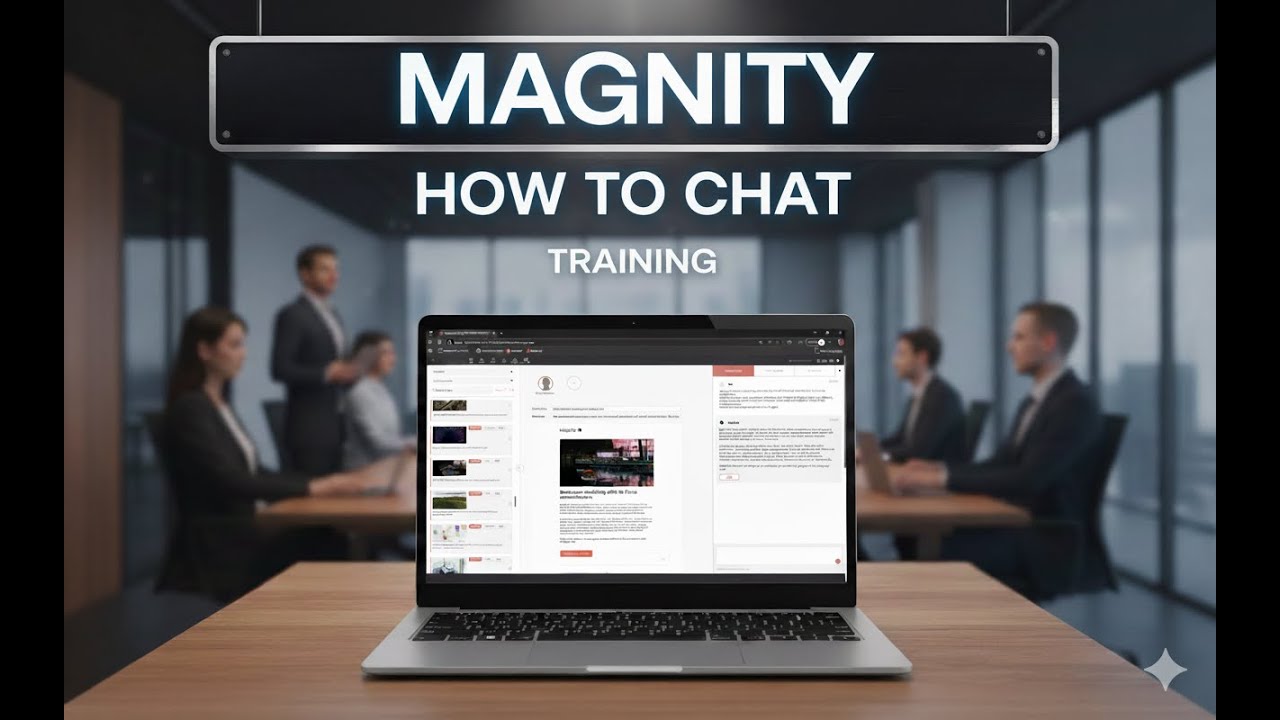
In this concise walkthrough, the presenter demonstrates how everything you need sits clearly within three zones: a left-side content control and library, a central canvas, and a right-side live adjustment area with chat. You’ll see exactly how the top bar speeds recurring tasks—naming and saving drafts, exporting emails, translating with Localize, and starting new projects—so you stay in flow without hunting menus. The menu options for projects, emails, social scheduling, and landing page composition show how you can move smoothly from idea to finished asset.
From localisation to persona-level targeting
You’ll watch the language selector instantly reframe content in Spanish or German, helping you preview localised messaging before export. The templates section gives you a quick way to choose between layouts with a main story and related stories, while search and filters make it easy to pinpoint the exact sources—by category like blog or industries—to build from. Drag items into the canvas and see a structured email draft appear, then unlock relevance with the persona library: goals, fears, needs, worries, concerns, motivations, and custom attributes all support targeted variations for each role.
Context-aware chat that refines every element
To fine-tune, the element-level chat works like a focused assistant that understands the source text, the rules in use, and your change history, so every adjustment is context-aware and consistent. If you want a clear, practical view of how we can significantly improve your email and content workflows while keeping personalisation under control, this video gives you a straightforward, visual introduction.
Watch the video to explore how this interface could change the way your team works with content every day.