Read more
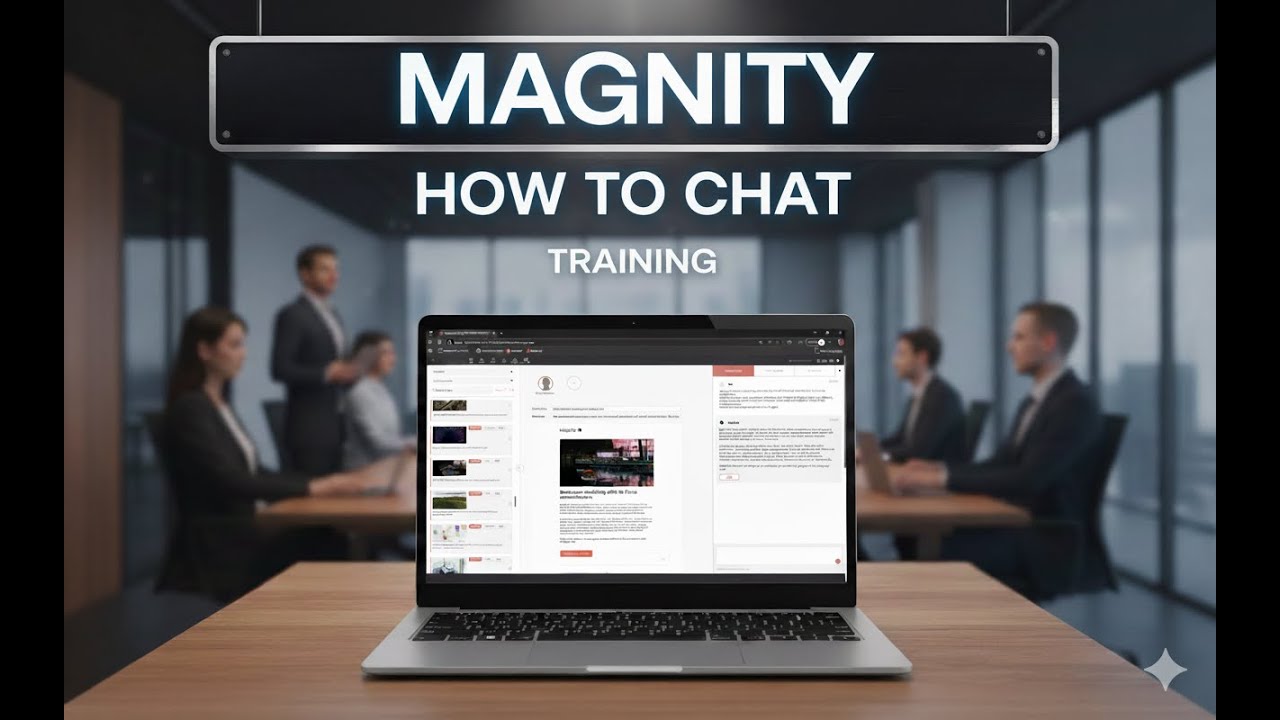
Turn your existing email content into high-performing, on‑brand copy simply by chatting with Magnity, this video shows you exactly how.
See how to turn prompts into email-ready copy
In this short walkthrough, you’ll see how to go from a basic email template to polished, tailored copy by talking to the AI just like you would in a normal chat—without changing your existing workflow.
What you will see in each chapter
1️⃣ Build an email & pick content (00:06)
2️⃣ Chat with any text element (00:31)
3️⃣ Resize and refine body copy (00:50)
4️⃣ Control word count & length (01:37)
5️⃣ See and use source website text (01:53)
6️⃣ Apply QuickPrompts & styles (02:30)
7️⃣ Switch models (AIDA, FAB, etc.) (03:13)
How the AI works inside your email editor
Throughout the video, you’ll see how every text element in the email can be adjusted through simple prompts. Long sections are shortened, tone and focus are fine-tuned, and different versions are tested without manual rewriting or jumping between tools.
QuickPrompts, models and personalisation in action
The demo also reveals how QuickPrompts act as a “prompt library” inside Magnity, giving you instant access to proven writing styles, communication models like AIDA and FAB, tone-of-voice shifts, complexity adjustments, and personalisation options, all without needing to be an AI expert.
Why this video is worth your time
By the end, you’ll see how we keep the full context of your email, the page content it’s based on, and the rules you’ve set—so you can iterate faster, explore new angles, and improve readability while staying fully in control of your message.
If you want to turn everyday email production into a fast, conversational workflow where AI does the heavy lifting and you keep creative control, watch this video to discover how chatting with Magnity can change the way you create and optimise your marketing emails.