Building personas and industries in Magnity
This article explains how persona and industry configuration works in Magnity. It is based on the steps shown in the introduction video and focuses on three main topics:
- Creating and managing personas
- Creating industries and assigning them to personas
- Combining personas and industries for personalisation
By the end, you should understand how to structure persona profiles, maintain industry context, and how our AI uses both to personalise content across channels.
1. Creating and managing personas
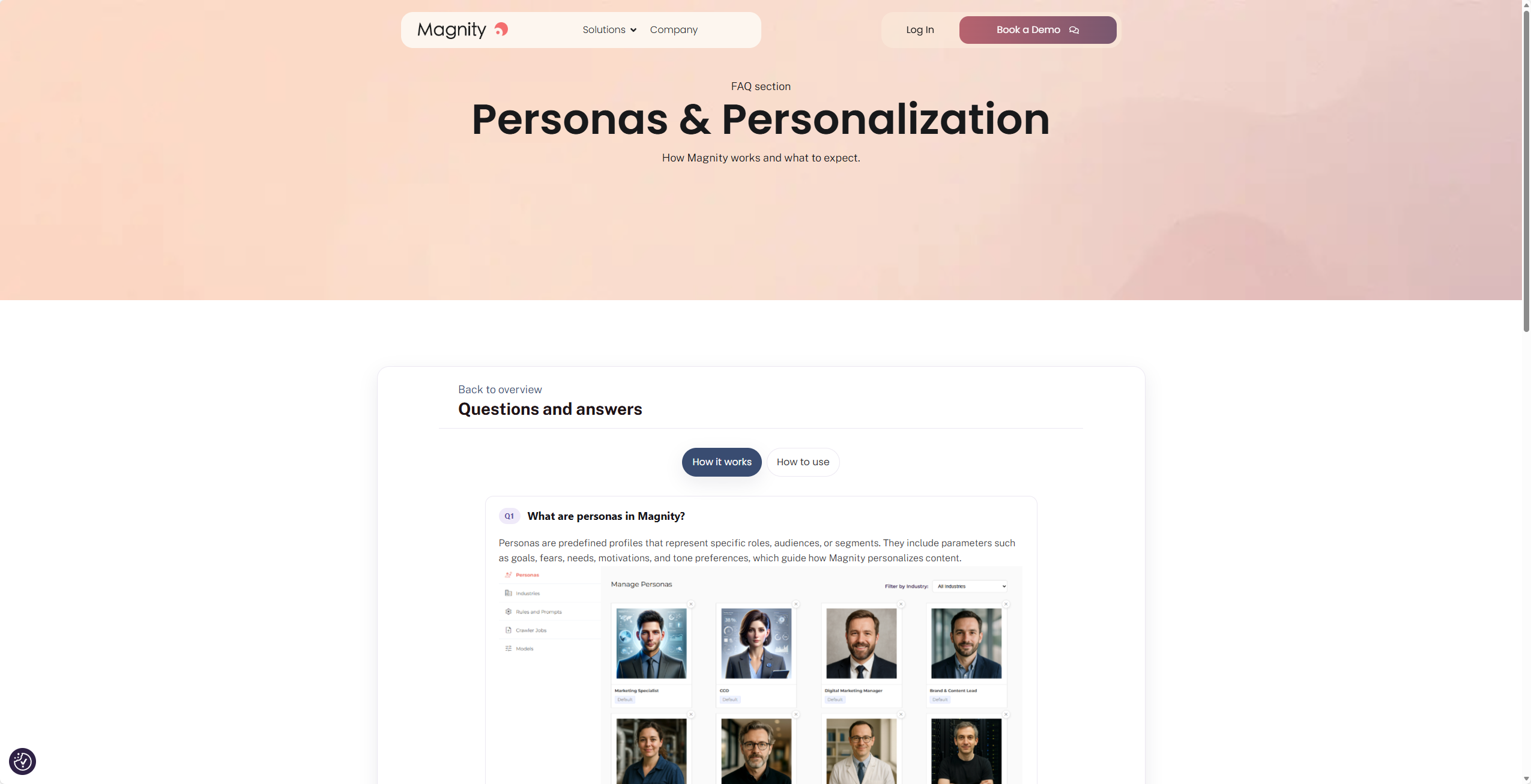
Start in the Content engine menu. The Persona overview is the first page you see. From here, you can create new personas, edit existing ones, or duplicate a persona to speed up setup.
When you create or edit a persona, you can define:
- Name
- Industry selection
- Image upload
- General description, typically used for demographics and a short overview
- Attributes with values, for example categories such as goals or motivations, with specific values like make emails faster
You can add as many attributes and values as needed for detailed profiling. Editing an existing persona lets you remove, update, or add attributes and values, then save your changes.
To create an industry-based variation, duplicate an existing persona and adjust its industry and details. For example, a brand and content lead in manufacturing can be duplicated into logistics and updated with context such as time to market is extremely important. If you no longer need a persona, you can deactivate it. Permanent deletion is currently not available in the interface; contact support if a record must be removed.
2. Creating industries and assigning them to personas
Open the Industry overview to add or edit industries. Industries act as flexible categories that provide context for personas.
Industry entries accept free text and support bullets and links. Many teams find it useful to include structured sections such as:
- Market overview
- Key drivers and trends
- Competitive attributes
- Operational challenges
- Procurement and decision-making style
- Magnity relevance
Once an industry is created, assign it to a persona from the persona’s edit view. You can change this at any time as your targeting evolves.
3. Combining personas and industries for personalisation
When we personalise content such as emails, landing pages, and social posts, our AI considers both the persona profile and the selected industry description. This means the output reflects role-specific attributes and industry context at the same time, improving relevance without manual rewriting.
A practical flow is to build a solid base persona, duplicate it for each industry you target, and adjust only the points that change by industry. We then use both data sets to guide the personalisation agent so each variant stays consistent with your core message while reflecting industry realities.