Read more
Transform how you create, edit, and personalise HTML emails in Magnity without ever breaking your formatting.
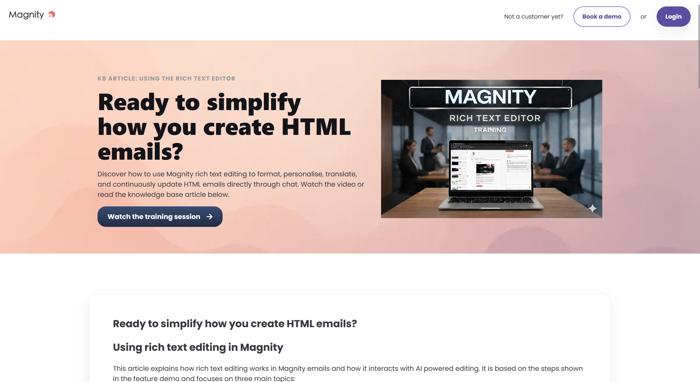
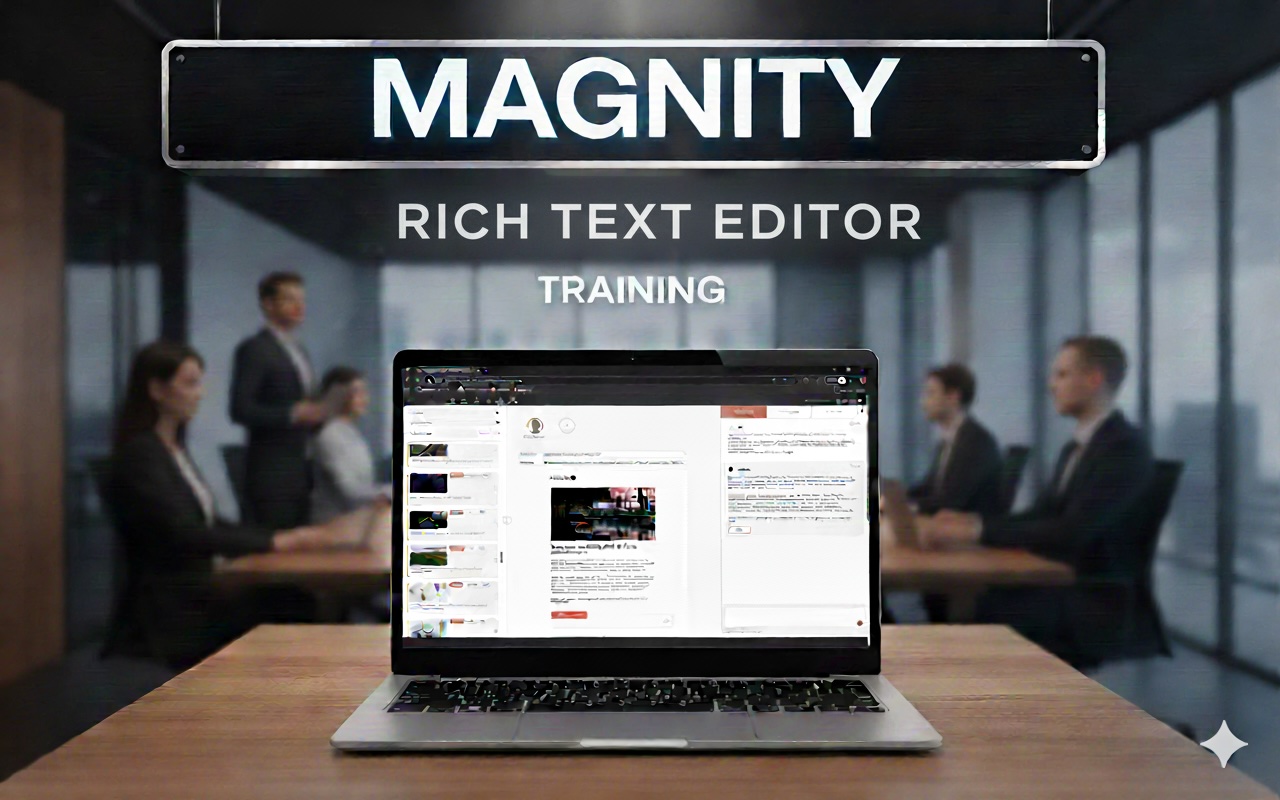
In this video, founder and CEO Anders Hjorth walks you through Magnity’s new rich text editing feature and shows, step by step, how you can work with bullets, bold, italics and hyperlinks directly in AI-powered email flows—while keeping everything perfectly preserved across edits, languages, and personalisation.
1️⃣ Rich text editing in Magnity (00:08)
2️⃣ Add bullets & formatting fast (00:39)
3️⃣ Insert smart hyperlinks (01:02)
4️⃣ Chat with HTML-formatted text (01:28)
5️⃣ Let AI extend your formatting (01:36)
6️⃣ Manual tweaks stay in sync (02:31)
How this feature helps your team
If you’ve ever hesitated to use AI for production emails because of messy HTML, broken layouts, or the pain of redoing bullets and links after each change, this walkthrough will be especially useful. Anders shows in real time how we:
- Keep your HTML formatting alive while you chat with the content.
- Understand instructions like “add another bullet” or “add a hyperlink” and update only what’s needed.
- Let you manually edit text and still continue to refine it with AI—always on the latest version.
- Preserve bullets, bold, italics, and links even when translating to German, Spanish, or Korean.
Why this video is worth your time
By the end, you’ll see how this feature can make your email production more scalable, reduce repetitive formatting work, and give you the confidence to combine AI-driven content with reliable HTML output.
Watch the video to see exactly how rich text editing in Magnity works in practice and how you can use it to streamline your own email workflows.