




















Research, plan and create in one place. No handovers, no re-briefing.
Create, analyse, adapt and refine content in a template-free workspace.






What it does
From advanced research, analysis and planning to simple text creation, the Content Agent is for work that does not require a predefined output format or deployment integration.
Capabilities
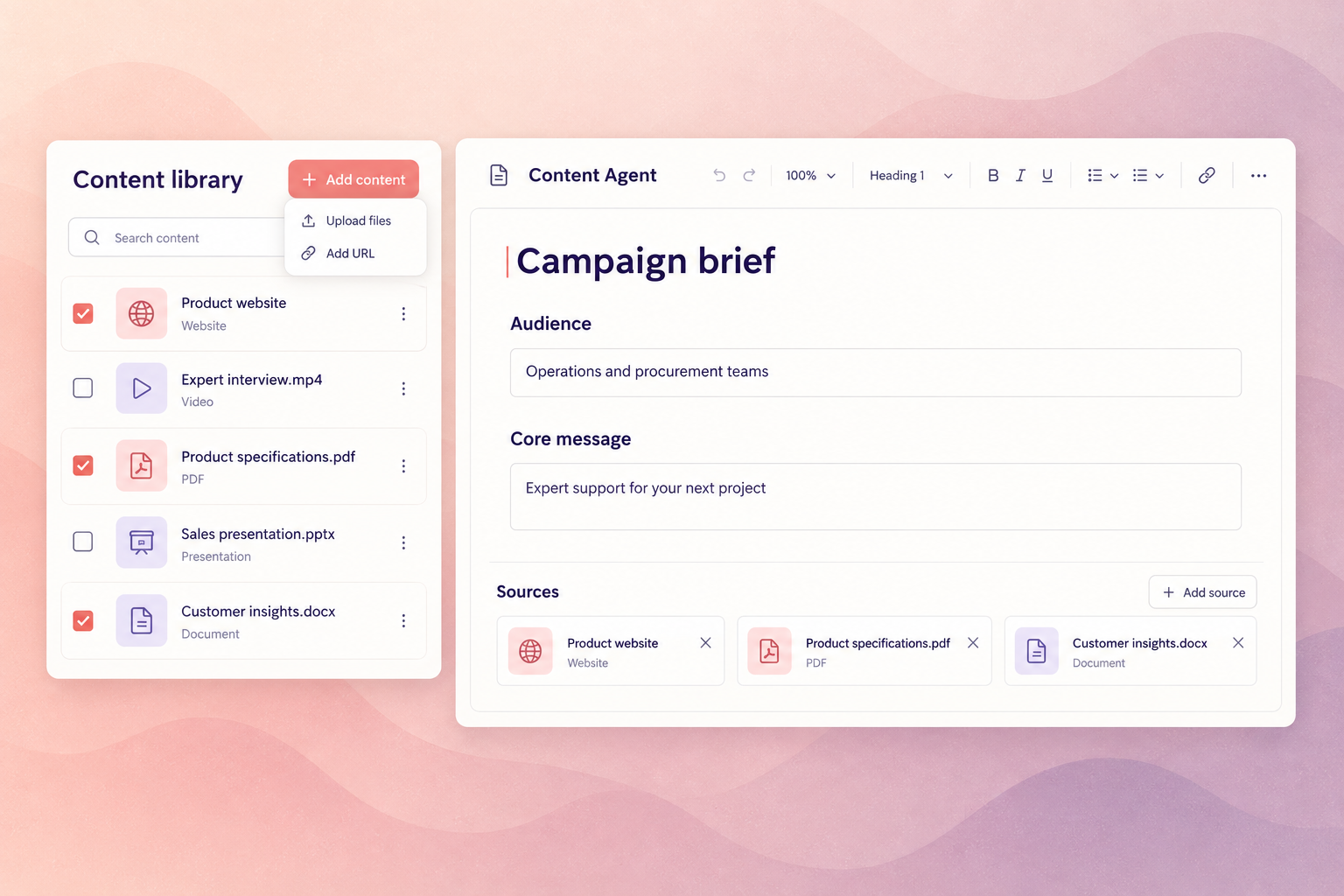
Read sources, competitor material and your own content, and turn them into something the team can act on.
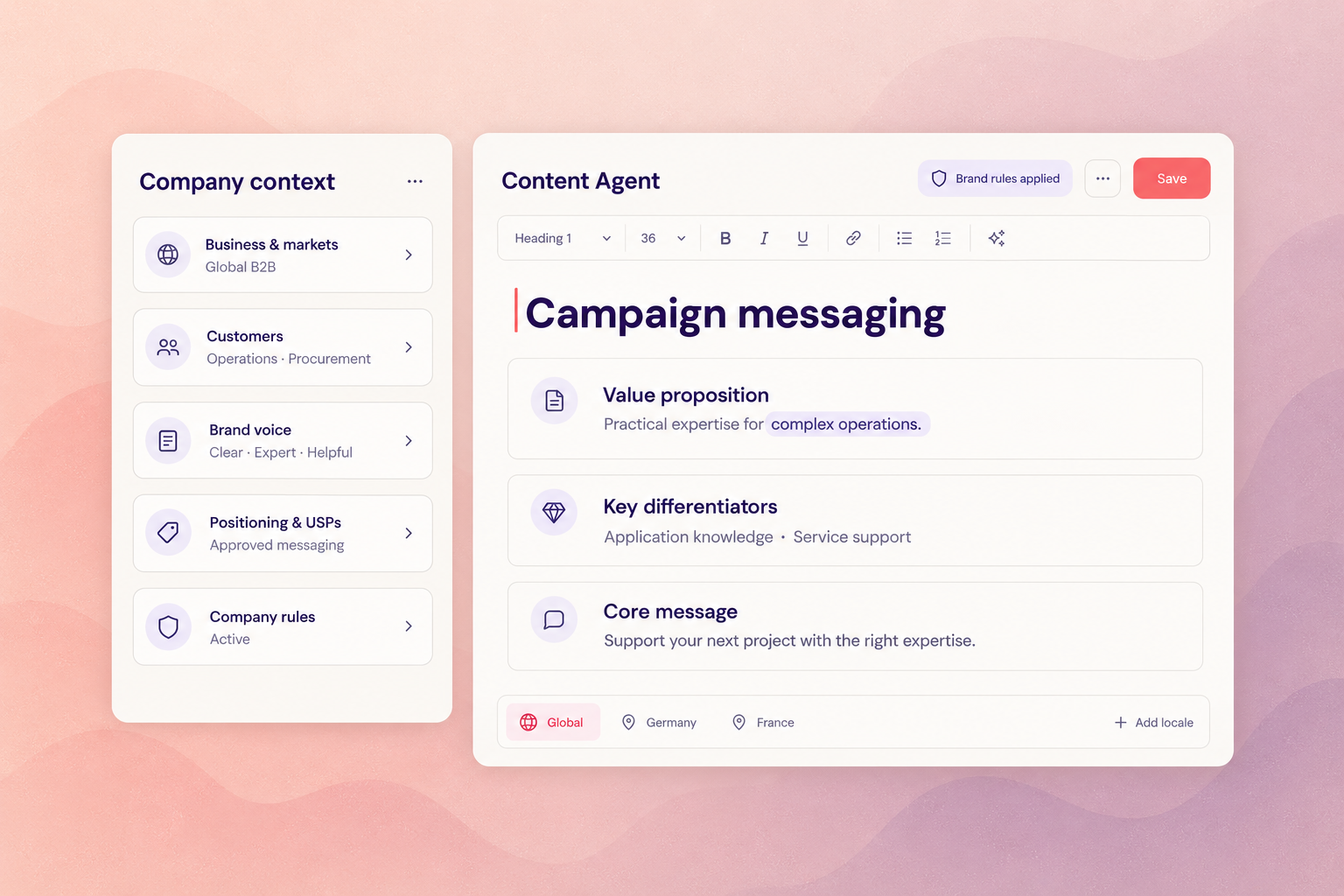
Shape positioning and messaging against a defined persona and market — in the same place the content will be written.
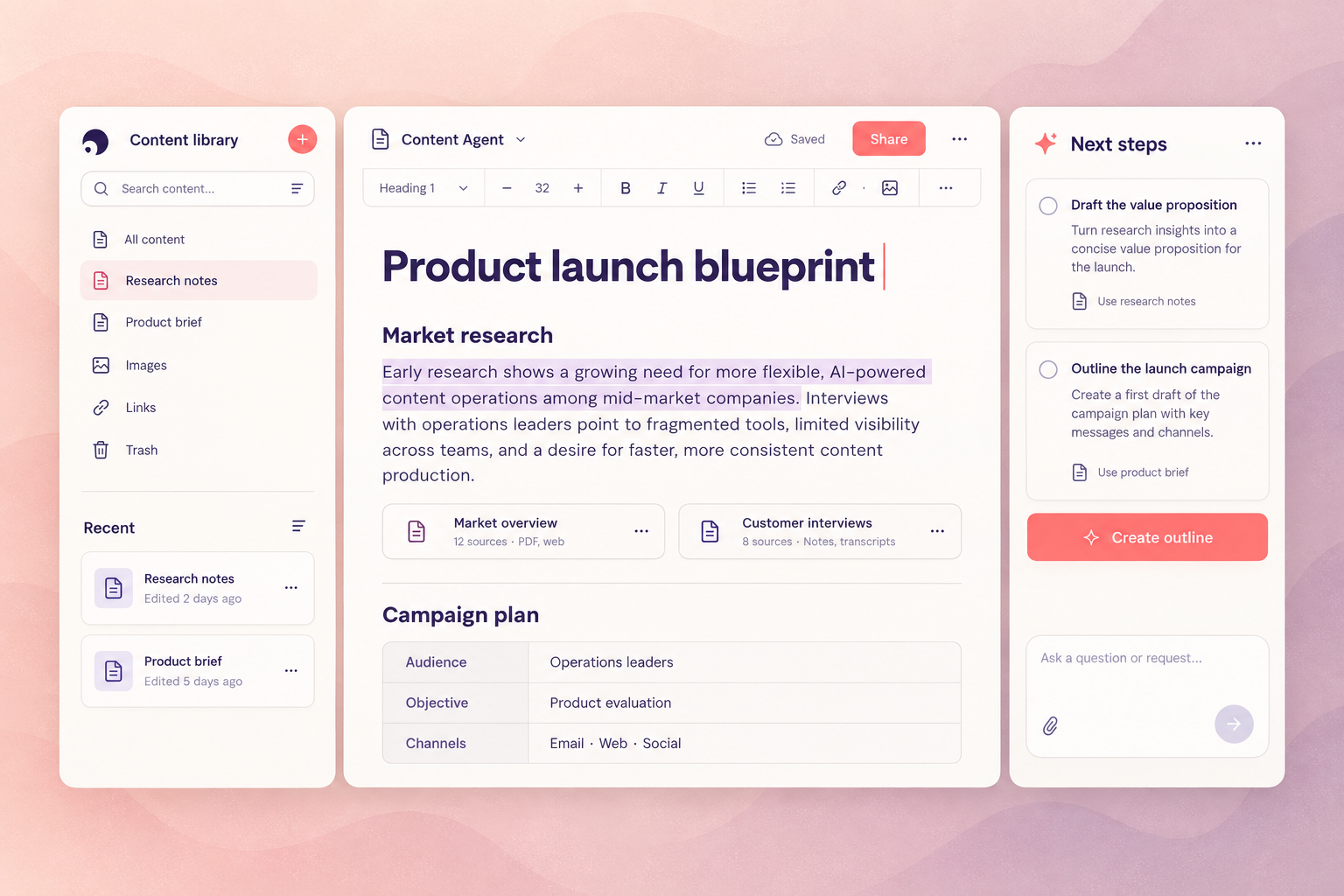
Structure a campaign before anything is written: what is needed, for whom, and in what order.
Turn a blueprint into a work plan your team can run, with the source material attached to it.
Draft, rewrite, analyse and refine without a predefined output format or a deployment integration.
Personas, tone of voice and rules are read from one definition, so every agent you switch on inherits them.
How it works
Research and analyse
Read sources, competitor material and your own content, and turn them into something the team can act on — in the same workspace the content will be written in.
Shape the message and the plan
Develop positioning against a defined persona and market, structure the campaign, and draft analyses, plans and recommendations with no template to fill.
Take it into production
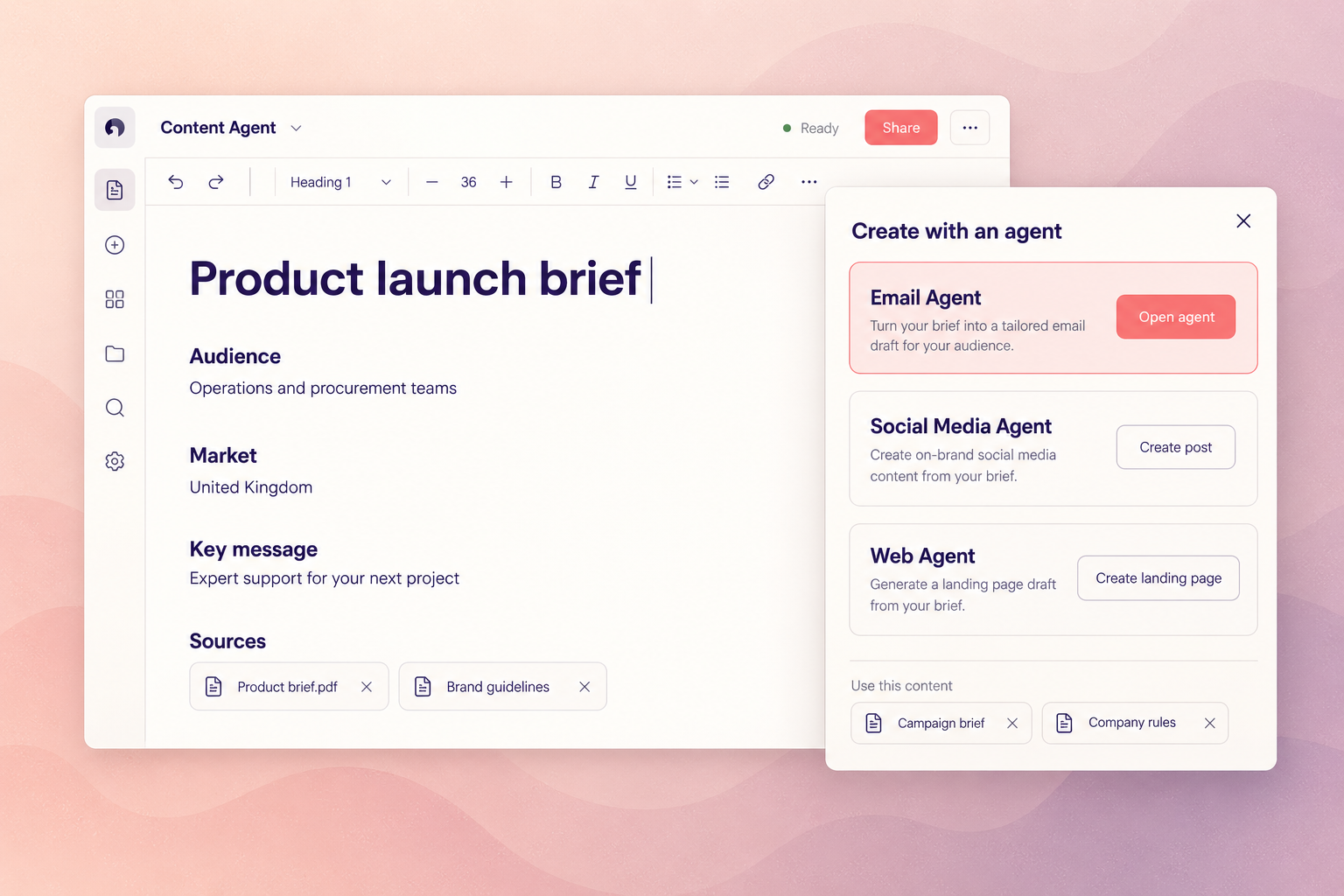
When the output needs a fixed shape — an email, a page, a post — the production agents you switch on work in the same place, with the same personas, tone of voice and rules.

Questions we get
We already have research and planning tools. Why move that work here?
Because the handover is where the reasoning gets lost. When research, positioning and drafting happen in three places, the brief carries a summary and the writer reconstructs the rest. Keeping them in one workspace means the content is written against the actual thinking rather than a compressed version of it.
What can the Content Agent produce?
Drafts, rewrites, analyses, plans and recommendations — work that does not require a predefined output format or a deployment integration. When you need a launch-ready email, a page filled at component level or platform-ready social posts, those are the production agents.
Is this just a chat interface?
No. It reads your source material, applies your configured personas, tone of voice and rules, and keeps that context across the work rather than per message. The output is shaped by your definitions, not by how well someone phrased a prompt.
What does it cost?
Nothing extra. The Content Agent is included in every licence on every plan, alongside the Rule Agent, localisation, persona context and reusable prompts.
How does the Content Agent relate to the other agents?
The Content Agent is included in every Magnity licence, which makes it the surface the rest of the platform appears on. Email, Web, Social Media, Compliance and Journey Flow are switched on inside it rather than adopted alongside it — same personas, same tone of voice, same rules, same place.
That is the practical difference between a platform and a collection of tools: nothing has to be re-briefed when you add a capability.
What doesn't the Content Agent do?
It does not deploy. The Content Agent has no publishing or activation integration, by design. When work needs a fixed output format or a route into Marketo, MCAE, Marketing Cloud or a CMS, that is what the production agents are for.
It does not decide. Research and analysis are inputs to your judgement, not a replacement for it.
It is only as good as your context. Personas, tone of voice and rules are what make the output specific to you rather than generically competent. Configuring them is real work, and it is what Ramp-up is for.
Explore the other agents









See this agent on your own content.
A working session on your material, your rules and your markets — not a generic demo.
Book a demoWould you rather have our team run it? See full service →